
Download Firefox Lorentz – Firefox, browser, plugin, Flash, Quicktime, Silverlight, stability, crash, error, tool, utility
Overview
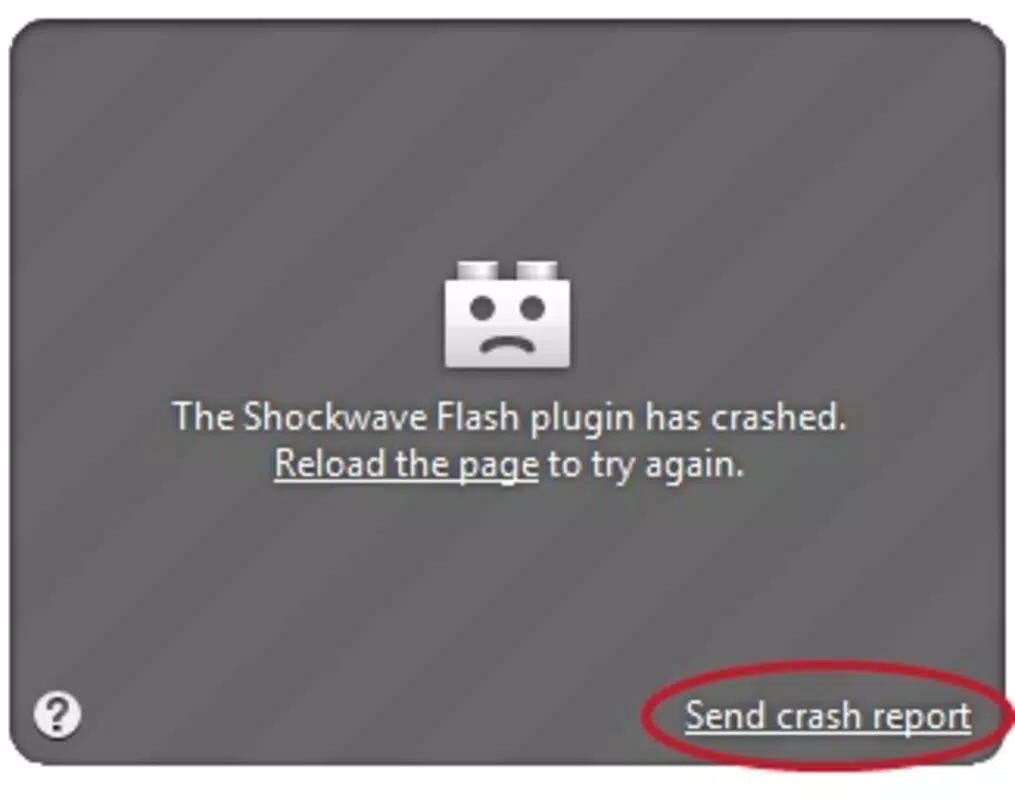
Firefox Lorentz is a specialized utility designed to enhance the stability of the Firefox browser when encountering issues with legacy web plugins such as Adobe Flash, Apple QuickTime, and Microsoft Silverlight. The app functions as a background extension that prevents browser crashes triggered by plugin errors, offering a more reliable browsing experience for users who still rely on these technologies. While modern web standards have largely phased out the need for such plugins, certain legacy websites and multimedia content continue to depend on them, making Lorentz a practical tool for maintaining uninterrupted access.
Target users include individuals who frequently access older web-based applications, educational platforms, or archived media that depend on outdated plugin frameworks. For these users, unexpected browser crashes can disrupt workflows, interrupt video playback, or cause loss of unsaved data. Firefox Lorentz mitigates these risks by isolating plugin failures and allowing the browser to continue operating normally. This resilience is particularly valuable in environments where consistent access to specific content is essential.
Developed by Mozilla, the trusted organization behind the Firefox browser, Lorentz reflects a commitment to user experience and browser reliability. Although the developer did not provide additional technical details, the tool’s purpose is clearly defined: to act as a protective layer between the browser and problematic plugins. In the broader context of the web ecosystem, Lorentz serves as a transitional solution, bridging the gap between legacy content and modern browser architecture.
Key Features & Functionality
- Stability Enhancement: Lorentz prevents Firefox from crashing when plugins fail, maintaining browser functionality even during plugin-related errors. This allows users to continue browsing without restarting the session.
- Error Tolerance: Unlike standard Firefox behavior, Lorentz enables navigation to continue even when Flash, QuickTime, or Silverlight encounters issues, reducing downtime and frustration.
- Seamless Integration: Once installed, the extension operates silently in the background, requiring no user intervention or configuration.
- Crash Prevention: The tool specifically targets and mitigates crashes caused by plugin instability, offering a safety net for users dependent on legacy web content.
- Enhanced User Experience: By minimizing interruptions, Lorentz contributes to a smoother, more predictable browsing session, especially on sites with heavy plugin usage.
For example, a user accessing an educational website with embedded Flash-based simulations can continue working even if the plugin fails. Similarly, someone watching a video on a legacy media platform can avoid a full browser crash if the QuickTime plugin encounters an error. Lorentz ensures that the browser remains responsive, preserving user progress and reducing the need for repeated reloads.
Interface, UX & Performance
As a browser extension rather than a standalone mobile application, Firefox Lorentz does not feature a traditional user interface. It operates entirely in the background, with no visible controls or settings panels. Users are not required to interact with the tool directly, which simplifies the user experience and reduces cognitive load.
Navigating through Firefox with Lorentz installed is identical to using the standard browser. The extension does not alter the layout, visual design, or navigation flow. Its presence is transparent, ensuring that users remain focused on their content without distractions. This minimalistic approach aligns with modern UX principles, where functionality is delivered without compromising simplicity.
Although the developer did not list formal performance metrics, the tool’s lightweight nature—5.1 MB in size—suggests it imposes minimal overhead on system resources. It is designed to run efficiently without slowing down the browser or consuming excessive memory. Responsiveness and stability are prioritized, with the extension working silently to maintain browser integrity during plugin failures.
Platform Compatibility & Technical Requirements
Firefox Lorentz is designed exclusively for the Firefox browser, operating on desktop platforms. The app is compatible with the Firefox browser version 1.0 and above, though specific OS requirements were not listed. The file size is 5.1 MB, which is relatively small for a browser extension, indicating a streamlined design focused on core functionality.
Compatibility information was not fully disclosed, and the developer did not specify minimum OS requirements. As such, users should ensure their Firefox installation is up to date and supports add-ons. The extension is not available for mobile devices, as it is built specifically for desktop browser environments.
Pros and Cons
Pros
- Prevents browser crashes caused by plugin errors
- Operates silently in the background with no user interface
- Improves browsing stability on legacy content-heavy websites
- Lightweight design with minimal impact on system resources
- Free to download and install, with no hidden costs
Cons
- Not compatible with mobile browsers or non-Firefox platforms
- Depends on outdated plugins that are no longer widely supported
- No user interface or configuration options
- May not be necessary for users who avoid legacy web content
- Developer did not provide detailed technical specifications
FAQ
Is Firefox Lorentz safe to install?
Yes, Lorentz is developed by Mozilla, a reputable organization known for its secure and open-source software. It does not collect user data and operates as a trusted browser extension.
Can I use Firefox Lorentz on Android or iOS?
Firefox Lorentz is designed for desktop versions of the Firefox browser. It is not available for mobile platforms such as Android or iOS.
Does Lorentz work with modern web standards?
Lorentz is specifically designed for legacy plugins like Flash, QuickTime, and Silverlight. It is not intended for use with modern HTML5-based content.
How do I install Firefox Lorentz?
Installation is straightforward: visit the Firefox Add-ons website, search for Lorentz, and click “Add to Firefox.” The extension will be installed automatically and begin working immediately.
Is Lorentz still relevant today?
While modern web technologies have largely replaced legacy plugins, Lorentz remains useful for users who access older websites or educational content that still relies on Flash, QuickTime, or Silverlight.
Final Thoughts
Firefox Lorentz is a niche yet effective tool that addresses a specific but persistent challenge: browser instability caused by outdated plugins. For users who still rely on legacy web content, it offers a reliable safeguard against crashes and interruptions. Its lightweight design, seamless integration, and free availability make it a practical choice for maintaining a stable browsing experience.
While the broader web has moved beyond Flash and Silverlight, there remains a need for transitional solutions like Lorentz. It is especially beneficial for educators, students, and professionals working with archived or specialized online resources. By minimizing downtime and preserving session continuity, Lorentz enhances productivity and user satisfaction.
For those navigating older web environments, Firefox Lorentz delivers tangible value without complexity. It is a quiet but powerful ally in ensuring that browser stability is never compromised by plugin failures.
Download Firefox Lorentz now


